
Figma
Where every design begins. Wireframes, visual design, and prototypes, all in one file together with the client.
Part of our stack. We choose the right tools for each project, not the other way around.
Figma is our design tool of choice. Wireframes, visual design, design systems, and clickable prototypes are all housed in a single file where clients can watch live and provide feedback. Every project that requires design starts here.
What Figma is
A browser-based design tool that allows multiple people to work simultaneously. Frames for pages, components for reusable elements, variables for color and spacing, prototypes for click-throughs, and comments for feedback. Everything is in one place and always up to date.
What we use it for
Wireframes: structure without color. Visual design: the site as it will look, for desktop and mobile. The design system we use to build in Webflow : buttons, cards, headings, colors, and spacing. Prototypes to test a flow before it is built. And interfaces for applications, including empty states and error messages.
How we use it
You get access to the file and can watch as we work. You provide feedback by leaving comments directly on the relevant elements. The design system in Figma maps one-to-one with the design system in Webflow, so what you see is what you get. Once delivered, the file is yours.
What you will notice
Fewer emails with screenshots, fewer misunderstandings about what was intended, and a design you can click through before a single line of code is written.
How can we help?
Cases where we use these tools
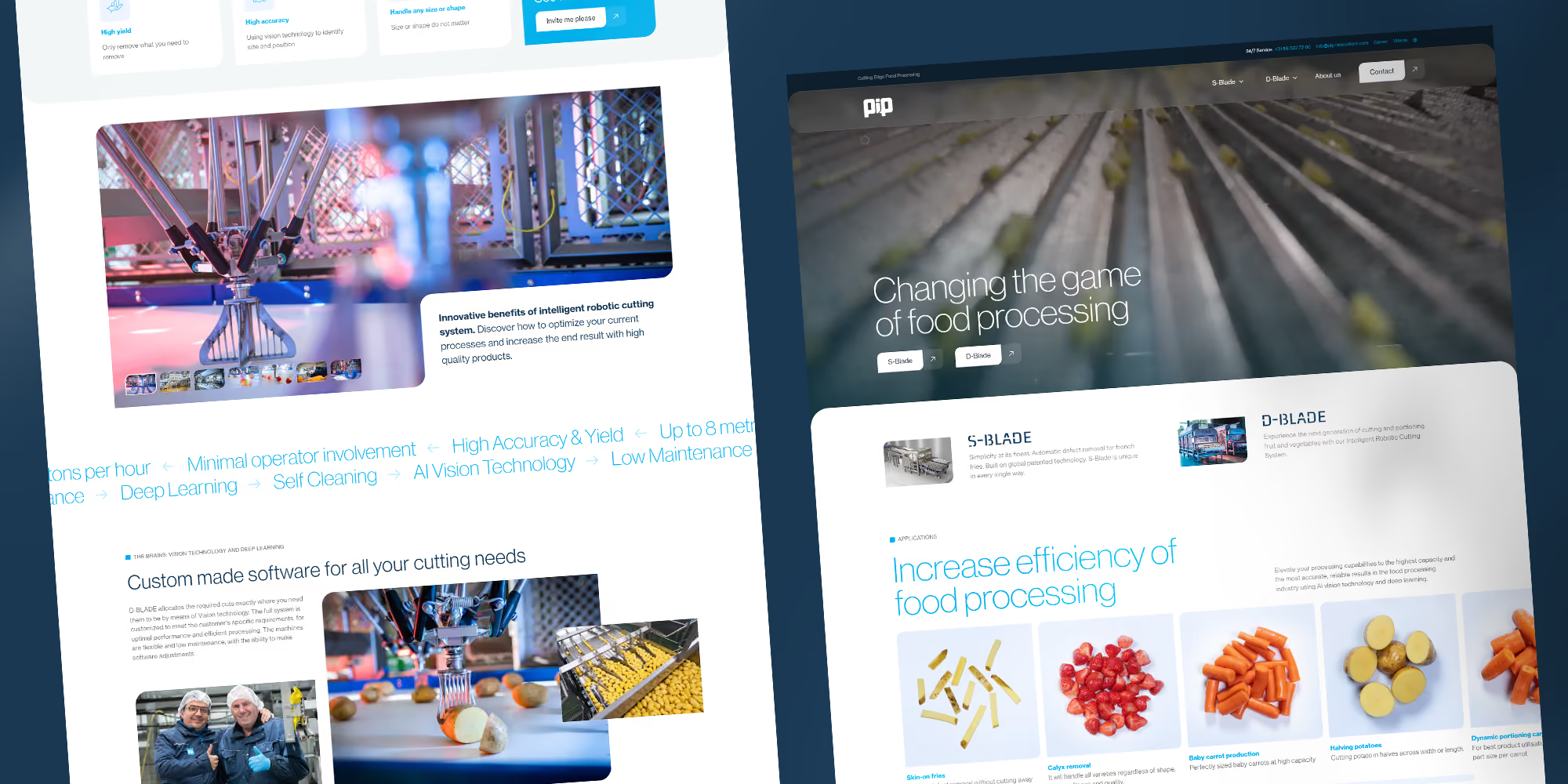
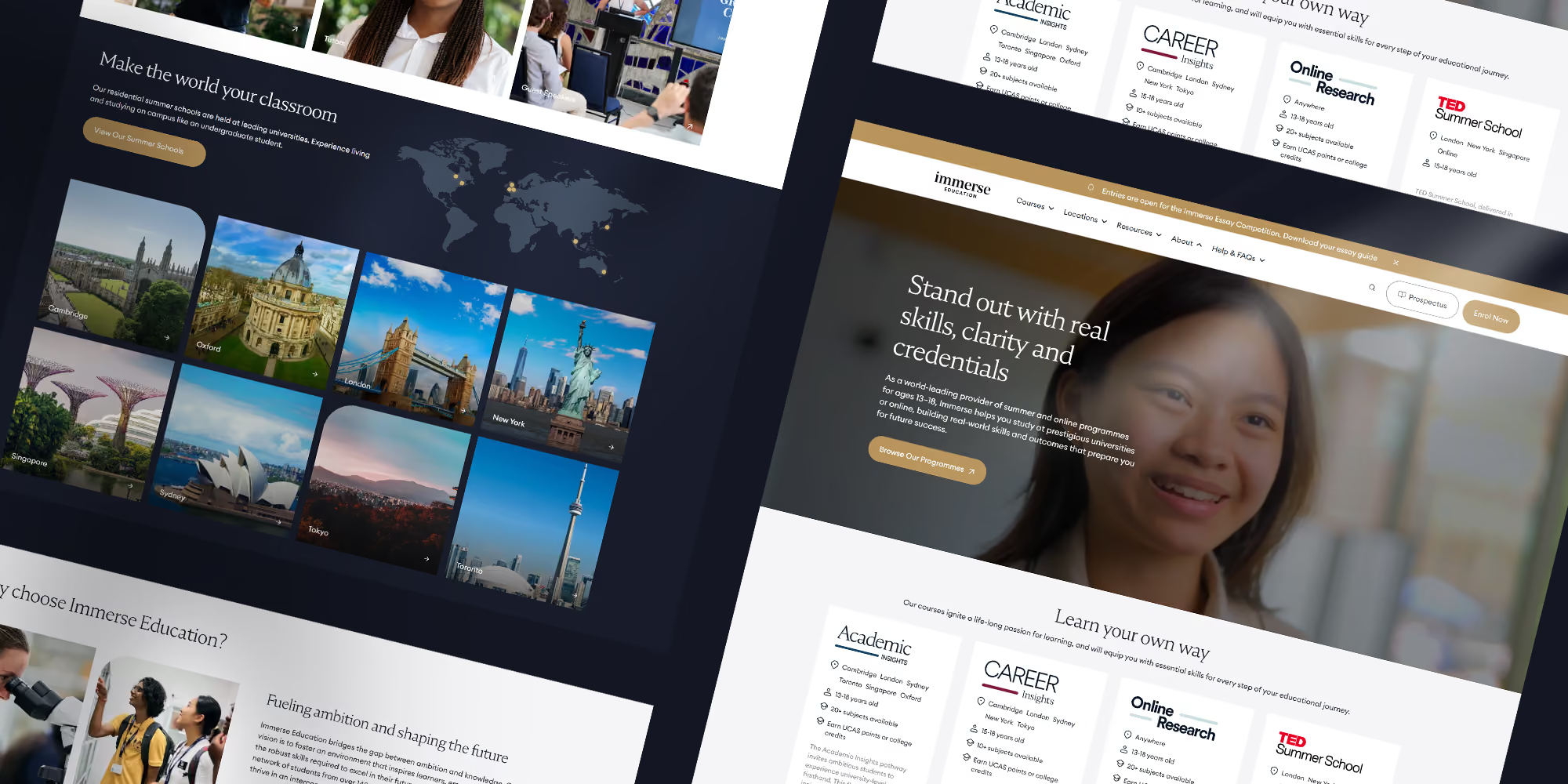
Projects in this sector












Frequently asked questions
Moet ik Figma kunnen?
Nee. Meekijken en opmerkingen plaatsen in Figma is gratis en vraagt geen kennis. Je reageert op de plek waar het over gaat.
Krijgen we de Figma-bestanden?
Ja. Het ontwerp en het ontwerpsysteem in Figma zijn van jou, inclusief de bronbestanden. Ook als je later ergens anders laat bouwen.
Kunnen we een bestaand Figma-ontwerp laten bouwen?
Ja. We beoordelen eerst of het technisch klopt en zeggen waar het aangepast moet worden.
Werken jullie ook met andere ontwerptools dan Figma?
We werken zelf in Figma. Ontwerpen uit Adobe XD of Sketch kunnen we importeren.
Kan ons team later zelf ontwerpen in Figma?
Ja, met het ontwerpsysteem als basis. Nieuwe pagina's samenstellen uit bestaande onderdelen is na een uitleg goed te doen.