Admin panel development: what goes in it?
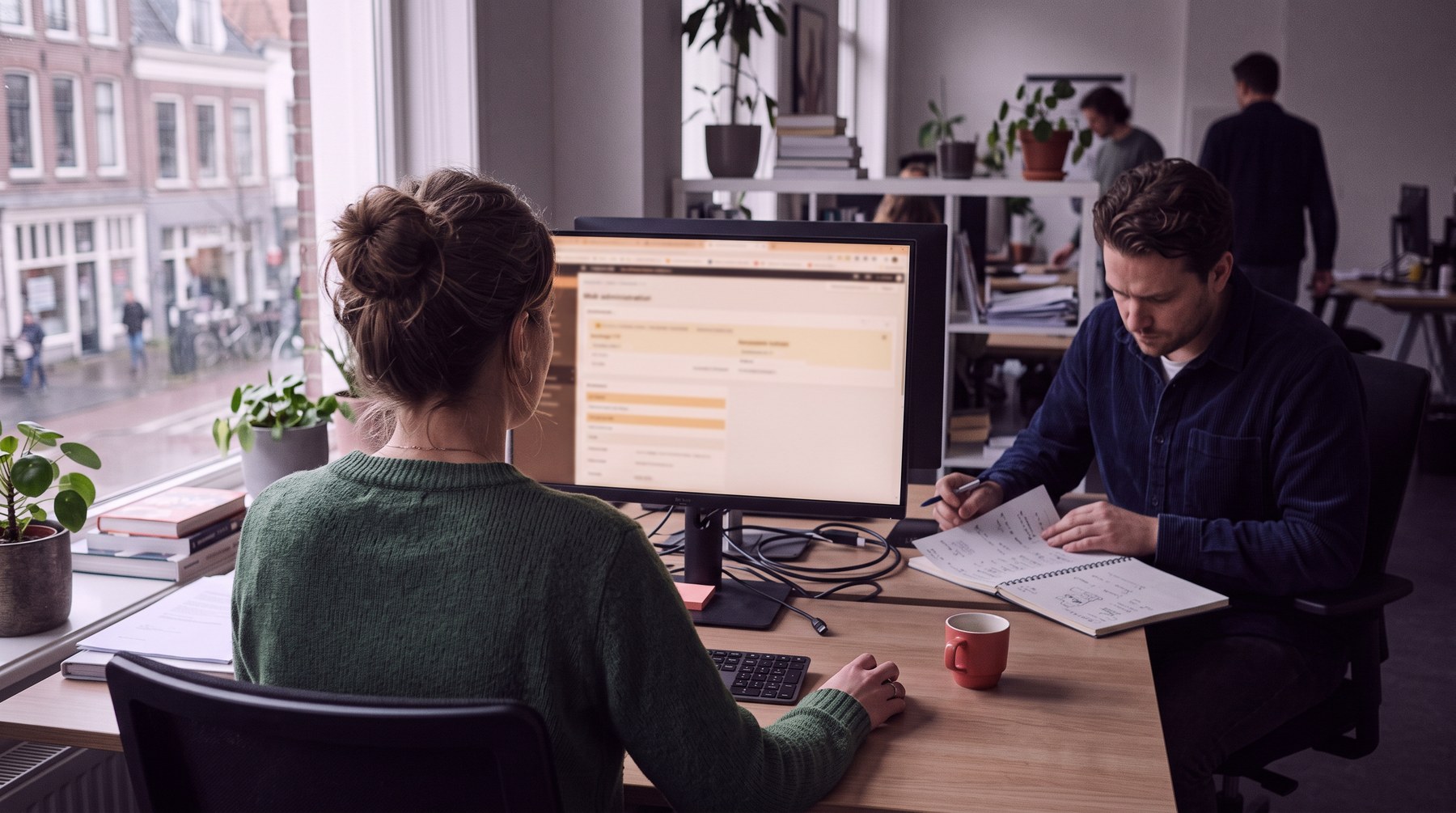
Having an admin panel built means building the workplace of your own team. Every application, every portal and every website with dynamic content needs a place where someone adds users, edits content, approves requests and views data. Yet that admin side often gets the least attention. All the energy goes into what customers see, and the admin panel becomes a collection of forms added later. You notice that every day: administrators who search, do double work or make mistakes. In this article you will read what belongs in a good admin panel and how to keep it usable.
What is an admin panel?
An admin panel is the protected management environment of an application, in which people with admin rights do things that regular users cannot. End users do not see it. It is the back end where your team keeps the application running.
Think of:
- approving accounts and assigning permissions in a client portal;
- adding and organising files in an asset library;
- processing bookings in a reservation system;
- managing product data and exporting it for reports.
Which features belong in every admin panel?
Every admin panel needs at least user management, content management, overviews with search and filters, settings and an activity log. That applies regardless of what kind of application runs underneath.
User management. Creating, editing, blocking and deleting accounts, resetting passwords and assigning roles.
Content management. Adding, editing and archiving what the application shows, whether that is products, documents or files.
Overviews. Lists with search, filtering and sorting, so you quickly find what you need.
Settings. Configuration of notifications, connections and other elements that differ per situation.
Activity log. Who did what and when. Indispensable when there are questions, errors or disputes.
How do you prevent an unusable admin panel?
You prevent an unusable admin panel by designing from what administrators do every day, not from everything that is technically possible. Admin panels often grow into dozens of menus, screens full of fields and buttons nobody remembers the purpose of. The more there is in it, the harder it becomes to find the daily work.
Organise tasks by frequency:
- daily: directly accessible, prominent on the home screen;
- weekly: easy to find, but not in the foreground;
- monthly or less: can go in a submenu, as long as it is logical to find.
If you have to approve new accounts every day, that must be possible in two clicks from the home screen.
The interface matters just as much
Your team works in this screen every day. A slow or confusing admin panel costs time and energy every day. So pay attention to clear navigation, speed with large amounts of data, immediate feedback after every action and a search bar that actually works. It must also be usable on a tablet, for those who are not always at a desk.
Why are bulk actions important?
Bulk actions are important because administrators often need to perform the same action on many items at once. Editing one user works fine via a form. Giving dozens of users a different role does not. Select multiple items and carry out an action in one go: change status, archive, export or add a label. It is often forgotten and then missed. So include it in the design from the start.
How do you manage roles and permissions in an admin panel?
You manage roles by defining per group of administrators what they may view and change. Not every administrator needs all permissions. A content manager edits content but does not delete users. A support employee views accounts to help people, but does not change settings.
A common structure:
- super admin: may do everything;
- content manager: manages content and files;
- support: views users and helps them;
- viewer: sees everything, changes nothing.
The larger the organisation, the more important this becomes. Permissions you add later are harder than permissions you set up properly from the start.
Why do you need an audit trail?
An audit trail records who did what and when, so that you can trace and correct errors. If an account has disappeared or a setting has suddenly changed, you want to be able to look back. So log important actions with the user, the time and the old and new value. It does not have to be prominently visible, but it has to be there. In sectors with stricter accountability requirements, it is often mandatory as well.
Should you be able to export data?
Yes, an admin panel should be able to export data, because data is also used outside the application. At a minimum, an export to CSV or Excel of the most important lists, with the filters you have set. Even better: reports that are sent automatically at regular intervals, or a connection that pushes data directly to your other systems. If you would rather see management information directly, a dashboard belongs with it.
How do we build an admin panel?
We usually build an admin panel on the same technology as the application itself, so that everything shares the same database and logic. For applications in Next.js or React, the admin panel is a protected part of the same codebase. The data and permissions run on Supabase or Xano, where we define per role what someone may read and write. For simple admin tasks, an existing admin tool can sometimes be faster. We weigh that up per project.
If you mainly manage structured data such as products, specifications and documents, also take a look at a data management system.
What do the costs of an admin panel depend on?
The costs depend on the number of data types, the number of roles, the amount of bulk actions and exports and the connections with other systems. An admin panel built alongside an application is more manageable than a separate admin tool on top of existing systems, because the data and logic are already there. Requirements for logging and accountability also count.
Where do you start?
Start with a list of what administrators do every day, week and month. Make the daily tasks as fast as possible and build the rest around them. If you would like to discuss the admin panel for your application, please get in touch or read more about application development.