The WWX stack explained: Webflow, Wized and Xano
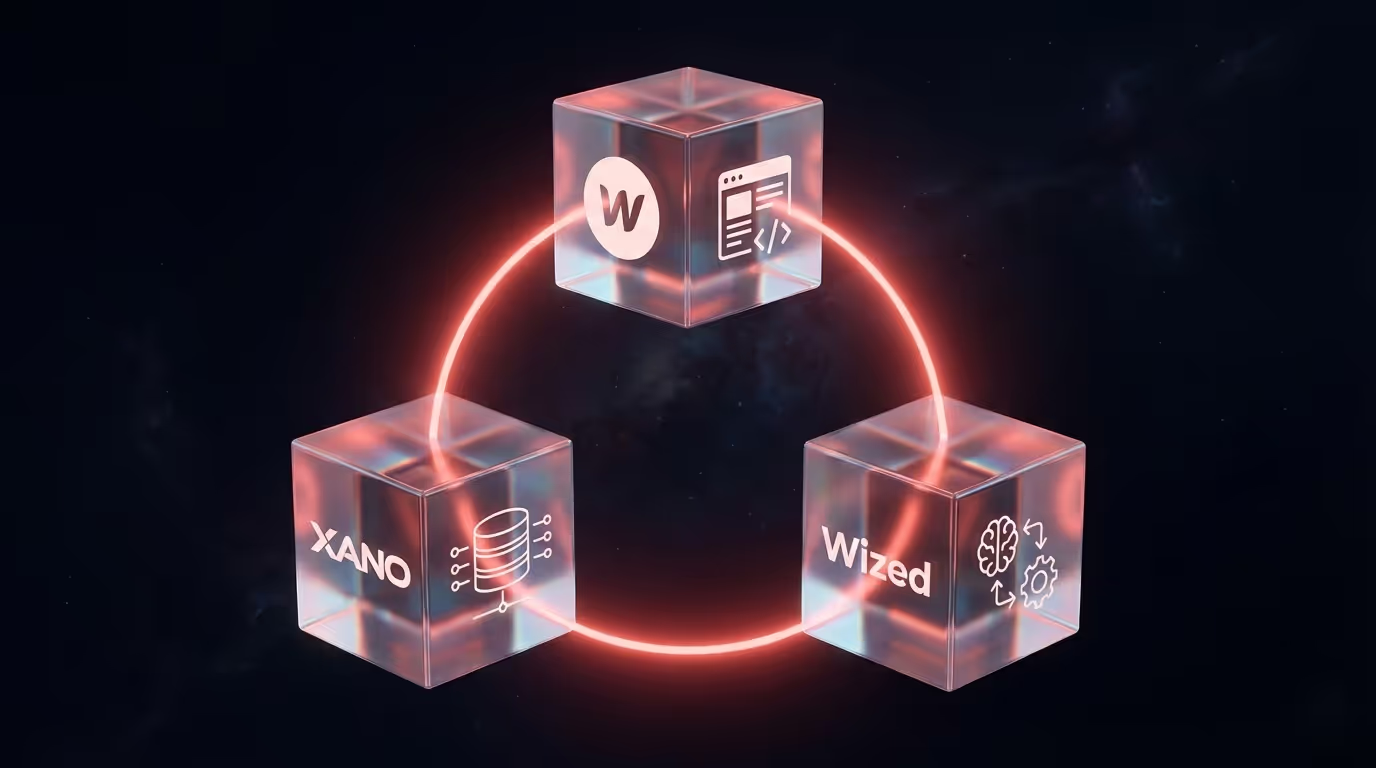
If you google "no-code web app", you quickly come across terms like WWX, Webflow, Wized and Xano. For insiders it makes sense. For everyone else it sounds like alphabet soup.
Time to change that.
What are we talking about?
WWX is an abbreviation that is turning up more and more in the no-code world. It stands for three tools that together form a complete stack:
- Webflow for the front end. Everything you see.
- Wized for the logic. Everything that needs to happen.
- Xano for the back end. Everything that is stored and processed.
Together they offer a way to build complete web applications. Without traditional code. Without a team of developers. But with the same end result.
Webflow: the interface
You may already know Webflow. It is a platform for building websites visually. You design in the browser, drag elements into place, and what you see is what you get. But Webflow has its limits. It is made for websites, not applications. You cannot let users log in. You cannot store data in a database. You cannot build complex logic. At least, not with Webflow alone.
Xano: the database and back end
This is where Xano comes in. Xano is a no-code back end. That sounds technical, but it comes down to two things:
- \u200dA database. A place to store your data. Users, products, orders, uploads, whatever you need.
- \u200dAn API. A way to retrieve, update and process that data. So your front end can communicate with it.
In traditional development you hire back-end developers for this. People who manage servers, set up databases and write code to make everything talk to each other. With Xano you do it yourself. Visually. Without code. And it runs on Google Cloud, so scaling is not a problem.
Wized: the glue in between
You now have an attractive front end in Webflow. And a powerful back end in Xano. But how do you make them work together? That is what Wized is for. Wized connects your Webflow site to your Xano back end. It handles what needs to happen when someone clicks a button. It retrieves data and displays it in the right place. It makes sure a form sends its data to your database. Without Wized you would have to write custom JavaScript for every interaction. With Wized you configure it visually.
What can you build with it?
Pretty much anything you can build with traditional development. Only faster and more flexibly.
A few examples:
- Customer portals where users log in and manage their details
- Dealer portals where partners download files
- Dashboards with real-time data from multiple sources
- Booking systems with availability and payments
- Internal tools for your team
- Marketplaces where supply and demand meet
Why not just build it the traditional way?
Good question. Traditional development has its advantages. You have full control. You can make everything exactly the way you want. But it takes time. A lot of time. And money. A lot of money. And you depend on developers for every change.
With WWX you get:
- Speed. Weeks instead of months.
- Flexibility. Make changes without a development sprint.
- Independence. You can manage a lot yourself after delivery.
- Scalability. The underlying infrastructure grows with you.
Is it suitable for everything? No. Very specific, complex applications sometimes still call for custom code. But for 80% of what businesses need, WWX is more than enough.
Is this the future?
I think so. Not because no-code is a hype, but because it makes sense. Why wait months and spend a fortune when you can have the same result in weeks? Why depend on developers for every small change? The tools have matured. The results are professional. The only reason not to do it is not knowing it is possible. Now you know.
Curious how this would work for you?
We are happy to show you. No sales pitch, just a demo of what is possible. And an honest conversation about whether it fits what you need.