The WWX stack explained: Webflow, Wized and Xano
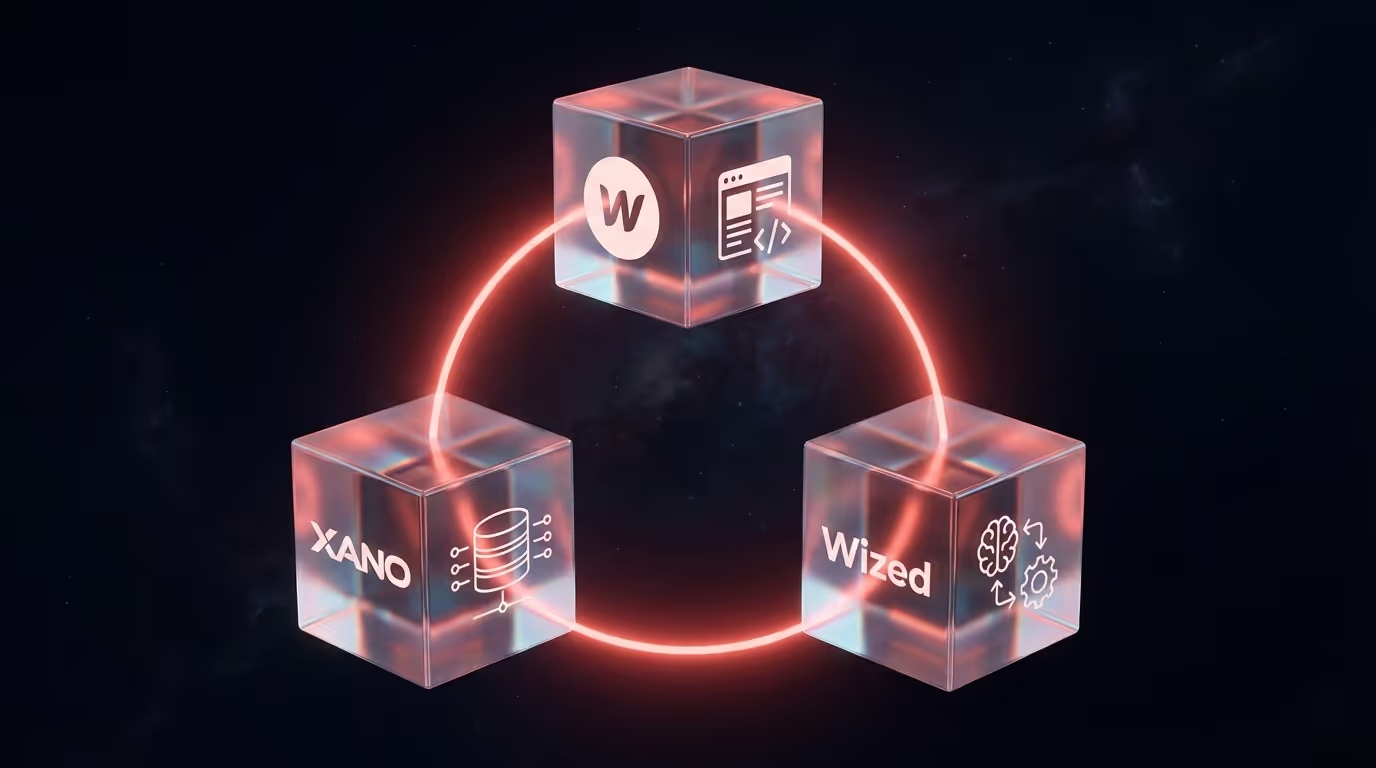
If you google “no-code web app”, you'll quickly come across terms like WWX, Webflow, Wized and Xano. For insiders, it makes sense. For the rest, it sounds like an alphabet soup.
Time to change that.
What are we talking about?
WWX is an acronym that is increasingly popping up in the no-code world. It stands for three tools that together form a complete stack:
- Webflow for the front. Everything you see.
- Wized for logic. Everything that needs to be done.
- Xano for the back. Everything that is stored and processed.
Together, they are a way to build complete web applications. Without traditional code. Without a team of developers. But with the same end result.
Webflow: the interface
You may already be familiar with Webflow. It is a platform that allows you to build websites in a visual way. You design in the browser, drag elements to the right place, and what you see is what you get. But Webflow has limits. It's made for websites, not applications. You can't let users log in with it. Do not store data in a database. Don't build complex logic. At least, not with Webflow alone.
Xano: the database and backend
This is where Xano comes into the picture. Xano is a no-code backend. That sounds technical, but it comes down to two things:
- A database. A place where you store data. Users, products, orders, uploads, whatever you need.
- An API. A way to retrieve, modify and process that data. So that your frontend can communicate with it.
In traditional development, you hire backend developers for this. People who manage servers, set up databases, and write code to make everything talk. With Xano, you do that yourself. Visually. No code. And it runs on Google Cloud, so scaling isn't an issue.
Wized: the glue in between
You now have a nice front end in Webflow. And a powerful rear end in Xano. But how do you get them to work together? That's what Wized is for. Wized connects your Webflow site to your Xano backend. It controls what should happen when someone clicks a button. It retrieves data and shows it in the right place. It ensures that a form sends the data to your database. Without Wized, you would have to write custom JavaScript for each interaction. With Wized, you can configure it visually.
What can you build with it?
In fact, everything you can also build with traditional development. But faster and more flexible.
A few examples:
- Customer portals where users log in and manage their data
- Dealer portals where partners download files
- Dashboards with real-time data from multiple sources
- Booking systems with availability and payments
- Internal tools for your team
- Marketplaces where supply and demand come together
Why not just build in a traditional way?
Great question. Traditional development has advantages. You have complete control. You can make everything exactly how you want. But it takes time. Lots of time. And money. Lots of money. And you're dependent on developers for every change.
With WWX, you get:
- Speed. Weeks instead of months.
- Flexibility. Make adjustments without a development sprint.
- Independence. You can manage a lot yourself after delivery.
- Scalability. The underlying infrastructure grows with it.
Is it suitable for everything? No. Very specific, complex applications sometimes still require custom code. But for 80% of what companies need, WWX is more than enough.
Is this the future?
I think so. Not because no-code is a hype, but because it makes sense. Why wait months and pay tens of thousands of euros when you can have the same result in weeks? Why rely on developers for every small change? The tools have matured. The results are professional. The only reason not to do it is if you don't know it's possible. Now you know.
Curious how this would work for you?
We'd love to show it off. No sales pitch, just a demo of what's possible. And an honest conversation about whether it fits what you need.